
The blog is open for posts from the community. We just need contributions.
05.12.2025 12:47
👍 0
🔁 0
💬 0
📌 0
The blog is open for posts from the community. We just need contributions.

This would be better as a blog post. You can contribute it to the PowerShell Community blog. See github.com/PowerShell/C... for instructions.

@stevenjudd.bsky.social starting off day 3 with a bang! SpiceWorld2025

I am doing two breakout sessions and a 4-hour workshop on PowerShell tool making with @stevenjudd.bsky.social. Hope to see you there.
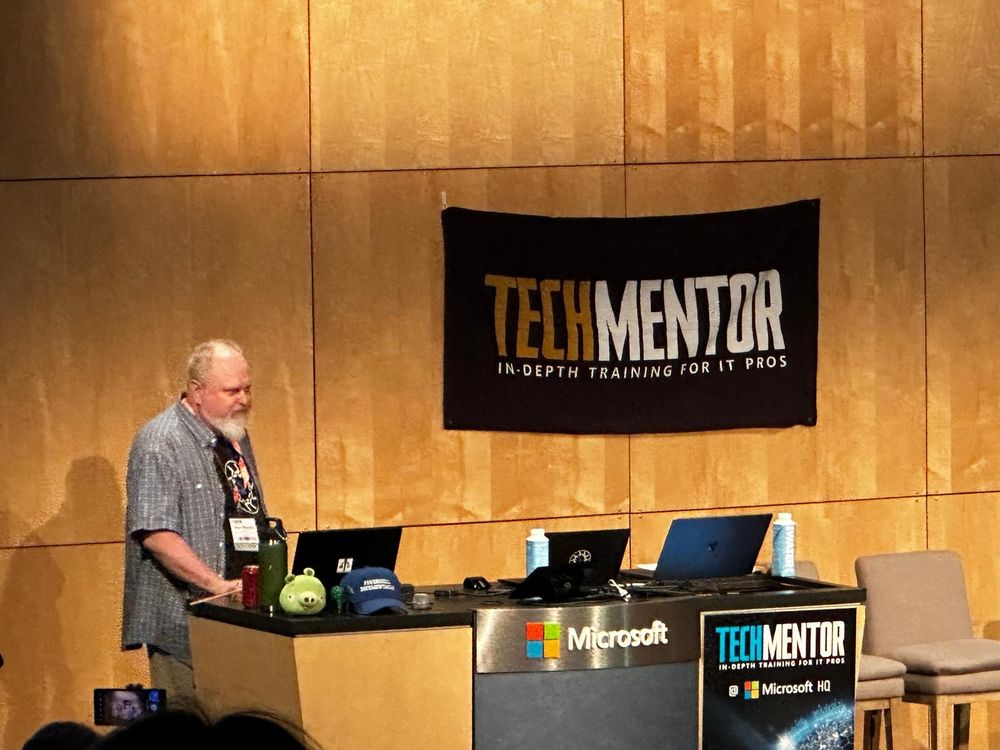
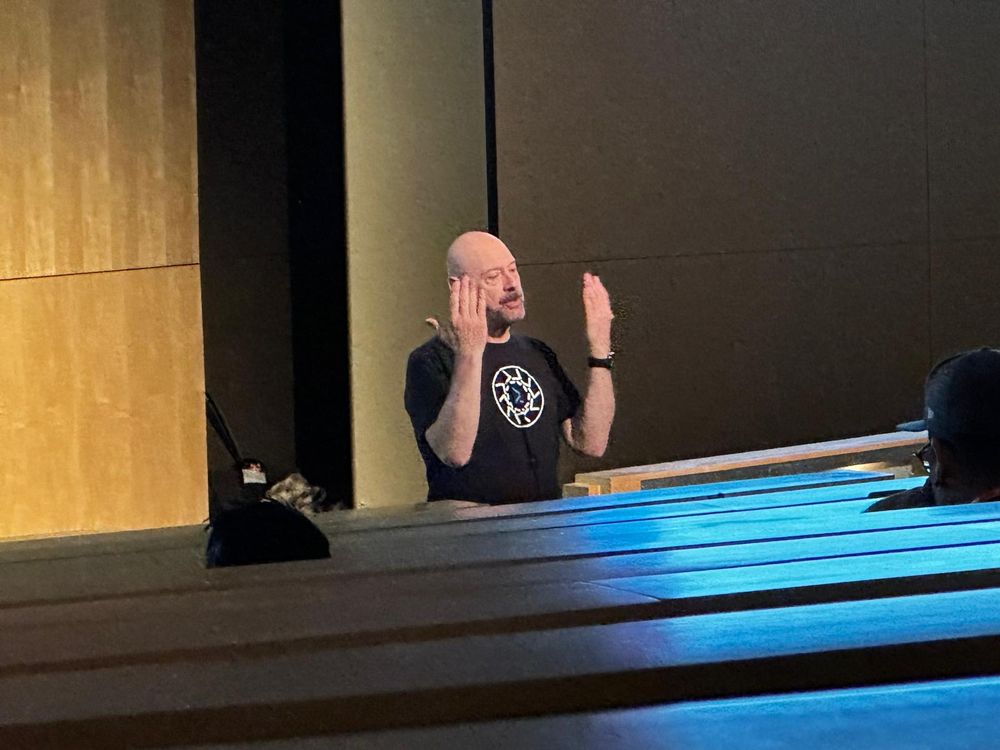
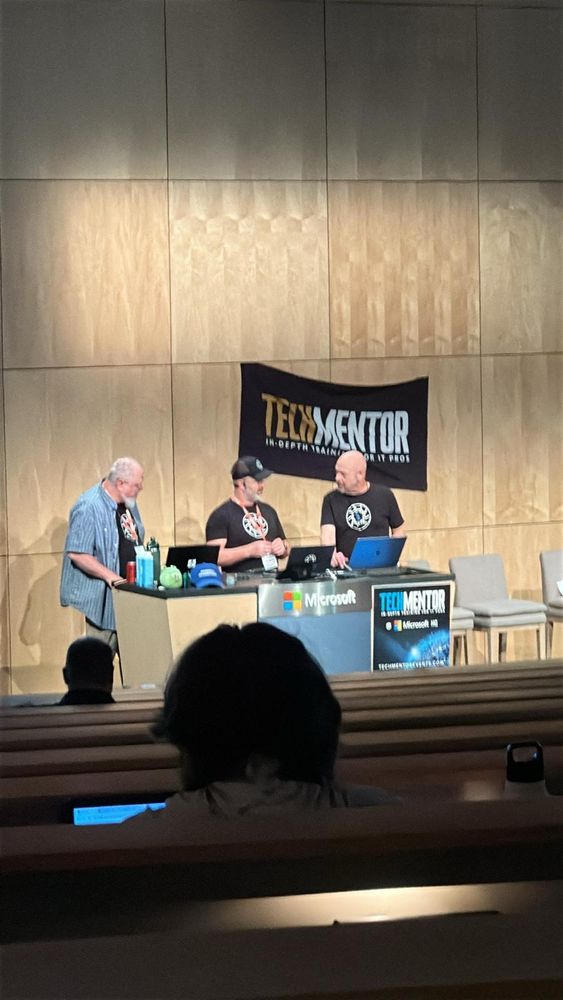

Day 1 of #TechMentor is done. We had a great time and a great audience.

I am happy to announce that PlatyPS v1.0 has reached GA and we have updated our publishing pipelines to use the new tool.
To celebrate, I created this: sdwheeler.github.io/seanonit/blo...

(1/4) Meet @sdwheeler.bsky.social, Principal Content Developer for PowerShell at @Microsoft.com, the person who’s been leading PowerShell documentation since 2017, and VSLive @ Microsoft HQ speaker.

I am speaking at TechMentor @ Microsoft HQ in August.
PROMO CODE: Wheeler
HOMEPAGE LINK: techmentorevents.com/events/micro...
REGISTRATION LINK – WITH PROMO CODE: bit.ly/3ZpZYWN

Tired of rewriting your #PowerShell profile for every #OS?
@sdwheeler.bsky.social will tackle that topic in his session at #TechMentor @ Microsoft HQ.
Find out more about PowerShell and the session in his Q&A with @redmondit.bsky.social! redmondmag.com/articles/202...

Makes me nostalgic for my Windows Phone
Check out the 3 new blog posts:
- devblogs.microsoft.com/powershell/a...
- devblogs.microsoft.com/powershell/g...
- devblogs.microsoft.com/powershell/e...
Here is the definition for PowerShell - github.com/toptal/gitig...
Yes, I would accept a PR for this. We still maintain the 5.1 docs. We don't need repro steps, just a NOTE added to the parameter similar to what we have for `-Include`.
Thanks to the PSCommunity, I've decided to finally join Bluesky. Will use this to post any updates to our projects: PS7, OpenSSH (Windows), DSC, PSGallery/PSResourceGet, etc...
The sidebar nav was removed from the Learn platform and replaced with the list of suggested articles. I don't like it, but is it a platform design decision that I, as an writer, can't change.
We have a style guide for the docs. There is an unofficial code style guide at: github.com/PoshCode/Pow...
How would you organize the documentation? It is not a simple task. There are lots of different kinds of docs. And docs are written for different purposes and audiences. There is a difference between reference docs and teaching docs.

Specifically, the articles in the learn.microsoft.com/en-us/powers... were written by Bruce Payette. It is legacy content that was originally publish as a Word doc. We don't intend to change. It is provided for historical reference. It is was written for v3 and isn't 100% accurate for v7+.
Yes, there is an official style. We try to make all of the documentation adhere to our style. Caveats:
1. We maintain over 9000 documents for PowerShell and the PowerShell SDK.
2. Much of that content was written by others, long before I joined the team.
3. We fix the style as we go.
I had a fun time. Check it out.
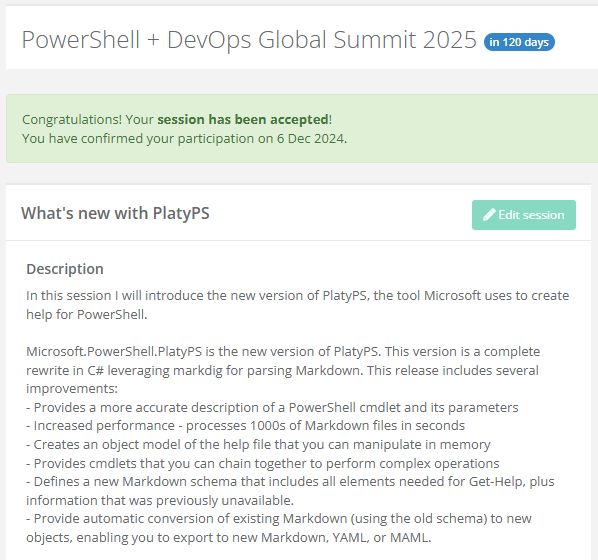
I am pleased to share that my 90min session about creating PowerShell documentation using the new version of PlatyPS was accepted for #pshsummit. See you there in April!
Love the split pane integration!
This works:
$c.RelatedLinks.Add([Microsoft.PowerShell.PlatyPS.Model.Links]::new('Text','https://url.com/document'))
Check the Diagnostics property of the CommandHelp object.
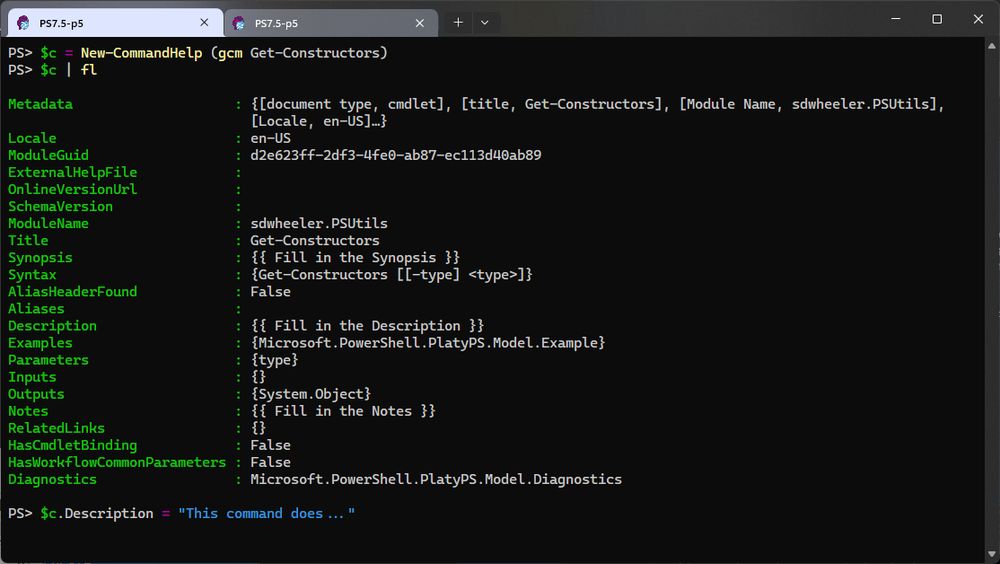
The answer is to update the object before exporting to markdown.
The help text for the placeholders has to come from somewhere. It is not embedded in compiled commands.
No, the older module has the same placeholders. In either version, if you are documenting script-based modules, PlatyPS will include the comment-based help. But there is embedded documentation like that for C#-compiled cmdlets.
New-CommandHelp creates an object instead of a markdown file. You can then populate the properties of the object before exporting it to markdown.
With the new PlatyPS you can import the markdown into a PowerShell object. Change property values, if you want. And they write your own transformer script to output the object in any format you want.