

v3.5.2 just released with new tools in the Backstage Pass for Muse members, use the new Tape tool to hide your ink and cards, one-tap to show again. Perfect for studying!
28.02.2026 18:51
👍 0
🔁 1
💬 0
📌 0
v3.5.2 just released with new tools in the Backstage Pass for Muse members, use the new Tape tool to hide your ink and cards, one-tap to show again. Perfect for studying!
Not in the near-term unfortunately. This coming year i'm hoping to open source the sync engine for Muse, which would potentially allow third party devs to build tools that sync with your Muse data. Still very TBD.

Apple chose Muse as App of the Day... again! 🎉 Your support and app reviews make a /huge/ difference. Thank you! 😊
For a cozy, private space to think, give Muse a try and redeem 30% off! apps.apple.com/redeem?ctx=o...
Check out the story of Muse:
apps.apple.com/us/story/id1...
Messy thinker? That's a superpower! Find panel coming soon in Muse helps you jump straight to your thought in a busy board.

Did you know that even when Muse (and half the internet) are offline, you can still access 100% of your data in Muse. Even edit from multiple devices, and everything will sync when the internet comes back online. Keep your notes where you can always see them: museapp.com

App store banner showing Muse as App of the Day for Oct 7th, 2025
Apple has chosen Muse as today's App of the Day! Every day is a good day for cozy thinking: apps.apple.com/us/story/id1...
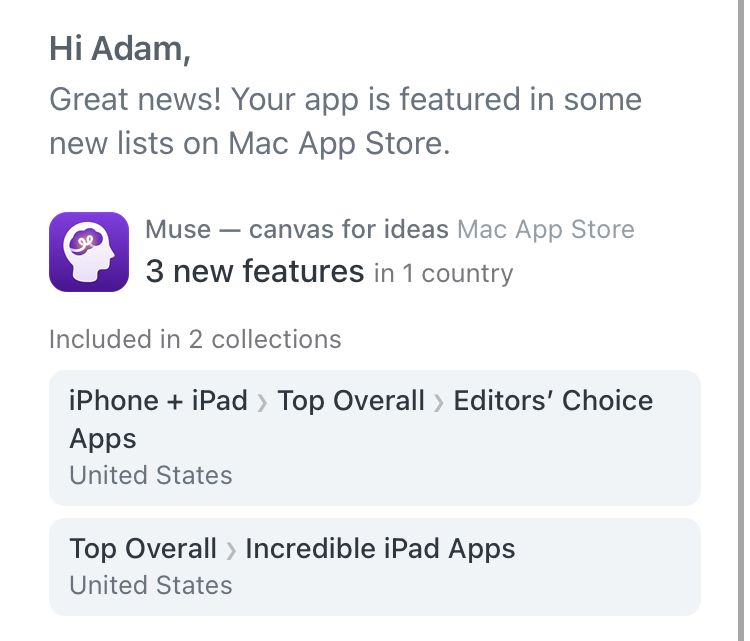
screenshot of app store listings notification showing Muse in the iPhone and iPad - Top Overall - Editors' Choice Apps list, and the Top Overall - Incredible iPad Apps lists
Muse just listed in top overall Editors' Choice list in the App Store! Download now and give yourself a calm space to think museapp.com/download
Coming soon! hold Shift on Mac to highlight in straight lines, perfect for highlighting text in a PDF 📏✍️
Muse members get early access to new features. Sign up in app at museapp.com, or email hello@museapp.com for a student discount
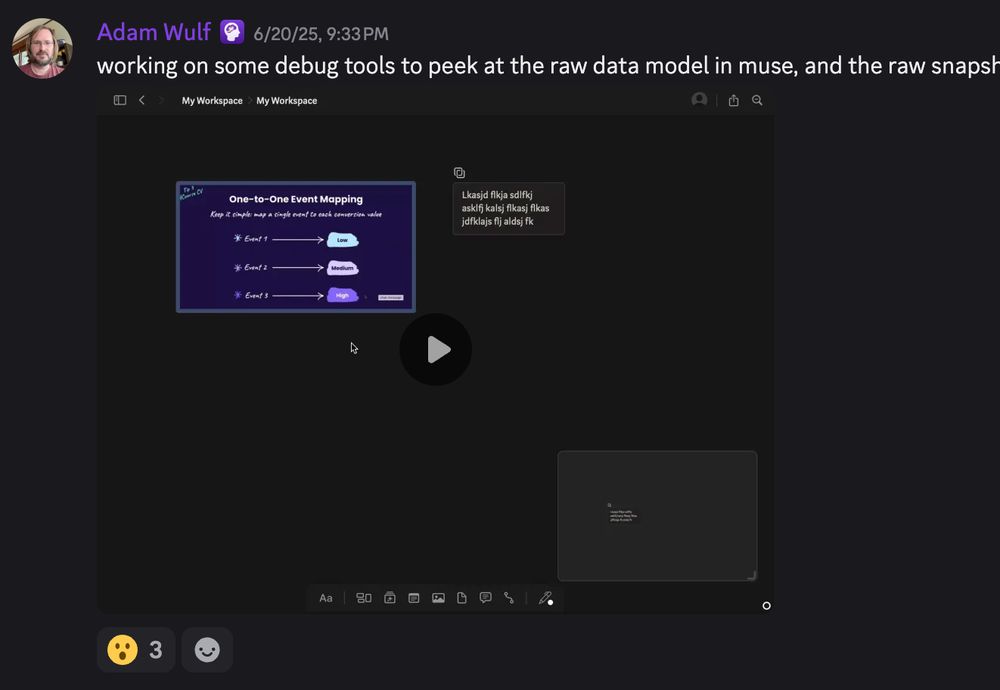
Join the Muse community to chat with other folks about how they use Muse in work/life/studies. Peek behind the curtains to see how new features are built, and give you feedback as they develop museapp.com/community

Does your feedback ever make a difference? Absolutely! I just replied 4 years of feedback requests for dark mode giving them the good news 🌒🎉 See the new look of Muse museapp.com

A screenshot of Muse on the mac running in Dark Mode.
Muse lets you add ink, images, text, files, pdfs, and even other whiteboards in your whiteboards - it's whiteboard-ception 💡 Get 20% off of Muse for the Dark Mode launch! apps.apple.com/redeem?ctx=o...

Dark mode for Muse has arrived! 20% off launch special! Muse is the only app for deep thinking that lets you add whiteboards into whiteboards. Nest your ideas as naturally as your mind. museapp.com/download

Muse Dark mode is on Product Hunt, come say hi! 😄 www.producthunt.com/posts/muse-12

Thank you Setapp for featuring Muse! A single Setapp subscription gets you access to the new dark mode Muse, along with every other app in their 250+ apps library. bit.ly/3SRwPjt

Dark Mode 🌒 for Muse launches on Tuesday! Do you want early access? I've just started phased release on the app store, so you can manually update your apps to get it early 🥷 museapp.com/download

blurred screenshot of one of my Muse boards
Aside: Till date, my best thinking on iPad has been with @museapp.bsky.social, works brilliantly with mixed media!

Love getting emails for new Muse reviews like this! ★★★★★ "Forget about Miro - this easy to use and uncomplicated multiverse of whiteboards is perfect for organising multiple projects and housing all my notes and thoughts" appfigures.com/reviews/2820...
This was really a lot of fun to finally chat about in more detail. I think I covered about half of the way that I use it… There’s a few things that I just can’t share so easily… Muse is absolutely wonderful though. Lots more software should be designed this intentionally.
Watch my interview with Antoine RJ Wright, and see how this business coach transforms his iPad into a thinking canvas - no keyboard needed. "The distance between your thought and seeing your thought is the tool that you're using." bit.ly/43aq5Ch

Muse dark mode is oh-so-close to release! and looking so cozy and comfortable 😎🌒

An email from Apple saying that promotional assets have been approved. This is a required step before a Today tap promo, though promotion is not guaranteed.
Alright, cross your fingers 🤞 everybody!

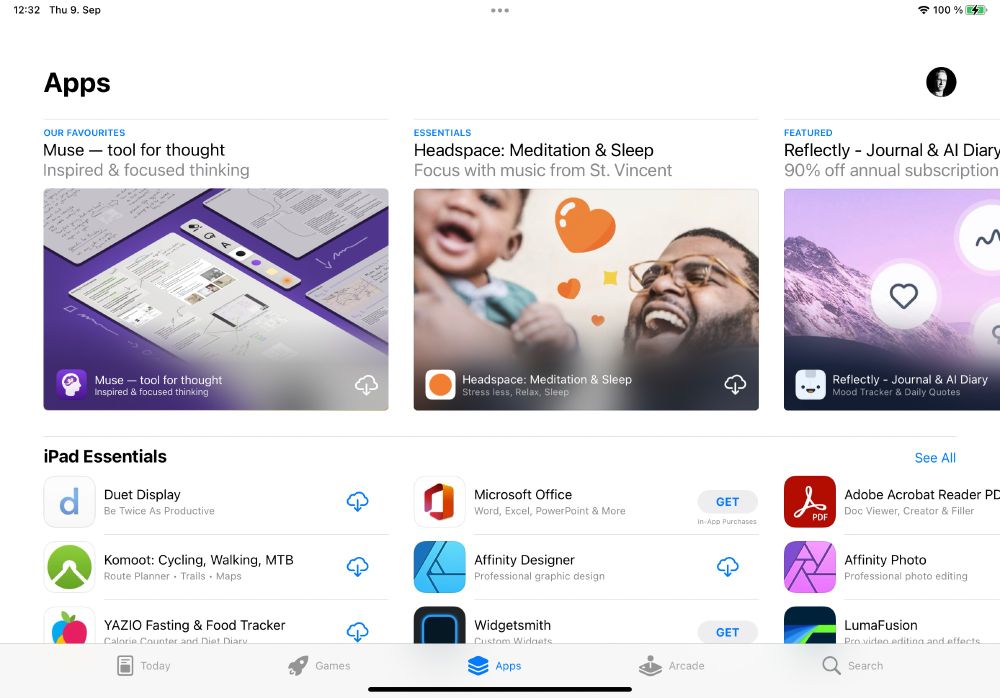
I'm preparing promotional artwork for the App Store - nothing guaranteed, but always good to be prepared 🤓
Which of these do folks prefer? dark or light?

Muse made it easy to start messy, dropping images and text where they made sense to me, and then reorganizing as needed. The combination of unconstrained layout and scoped boards sealed the deal. - happy Muse member
Give yourself space to think with
• People with inactive Setapp accounts can click the card limit box to see a help page about inactive Setapp accounts
• Changed wording of education discount on Mac in response to App Review
• Fixed pasting text into Muse from Notes not always pasting exactly the same text
• Hide the label of an excerpt card when entering Source Peek
• Fix tutorial link in sidebar to show the Getting Started panel
• Selection remains when clicking on the board background while holding command or shift keys
• When inside a Note on iPad, choosing Select All from the context menu will correctly select all text in the Note instead of all cards on the board
• Linked cards can be opened in a new window by pressing Command while choosing the target board from its context menu, or a new tab by pressing Command+Shift
• Fixed search results not appearing when keyboard is in floating mode
• Fixes dragging .svg files into Muse on the Mac to correctly create file cards
• Fixes excerpts sometimes showing previous selected area of PDF/image when excerpting quickly after a selection


